Screen Studio — Professional screen recorder for macOS
Premiumscreen.studio
Screen recorder for macOS. Create engaging product demos, courses, tutorial and social media videos. Add automatic zoom on mouse actions, smooth mouse movement, and other powerful effects and animations. Designed for macOS.
Visit Site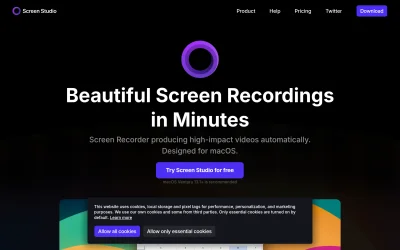
About Screen Studio — Professional screen recorder for macOS
Screen Studio for macOS makes engaging product demos, courses, tutorials, and social media videos. It includes automatic zoom on mouse actions, smooth mouse movement, and other powerful effects and animations. Screen Studio automatically adjusts all settings for optimal exports, ensuring seamless sharing across various platforms without compromising quality. Users can record webcam, microphone, system audio, or iPhone/iPad directly from their Mac. The tool automatically hides cursor when necessary and provides options to change the background and spacing around videos. Generate transcripts for subtitles on your machine. Screen Studio is designed for macOS users who want a fast, reliable, and easy-to-use video editor that matches user branding.
Last updated: 3/8/2026
Ratings & Reviews
No reviews yet. Be the first!
Site Info
- Domain
- screen.studio
- Status
- Active
- Listed since
- Jan 2026
- SSL
- Secure
- Language
- en
- Built with
- Next.js
Related Listings

QR Code Queue Management System Australia Virtual Queue Software for Restaurants & Small Businesses - ScanQueue
scanqueue.com.au

Multicorn: AI Agent Safety, Permissions, and Spending Controls
multicorn.ai
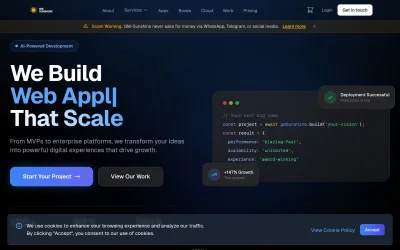
GM Sunshine - Premium Web Development & AI Solutions
gm-sunshine.com

Timeco - Time Tracking for Field and Office
timeco.app

Curious.page - Showcase yourself with a personal website
curious.page
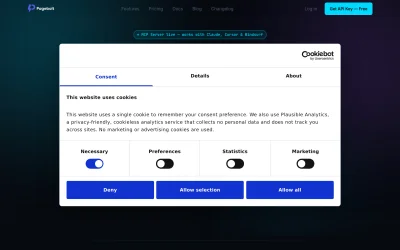
PageBolt — Your Product Demos Itself. Automatically.
pagebolt.dev