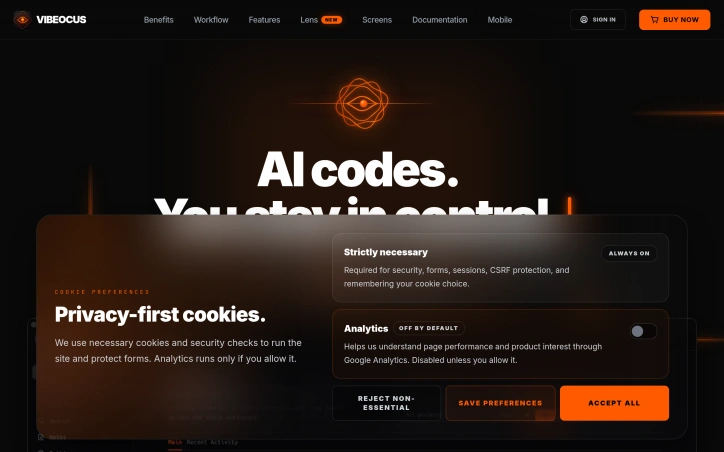
Vibeocus - Stop coding blind. Give your AI agents eyes.
vibeocus.com
Local-first command center for AI work: project context, task orchestration, docs, secrets, Git activity, and visual annotations.
About
Vibeocus - Stop coding blind. Give your AI agents eyes.
AI coding agents work faster when they understand project context, but managing tasks, documentation, secrets, and Git activity across scattered tools creates friction. Vibeocus consolidates this workflow into a single local-first command center designed specifically for AI-assisted development projects.
The application runs as a Mac workspace where project data remains stored locally rather than on external servers. Users can optionally sync through their own iCloud account. At its core, Vibeocus connects tasks, notes, documents, vault items, files, and Git commits into a unified system so context doesn't fragment across folders and applications.
Integration with AI agents happens through the Model Context Protocol (MCP). When MCP is enabled, compatible coding agents can read project rules, inspect context, and create tasks directly inside Vibeocus without requiring users to copy-paste information into chat windows. The workflow involves turning on the local MCP server, installing a prebuilt Vibeocus skill, and writing project rules that define how work should proceed. Agents can then generate tasks with priorities, dates, and status based on implementation needs, fixes, and follow-up work.
The workspace includes several connected modules: a dashboard displaying widgets and status information; omnichannel task management with Kanban boards, list views, calendar, priorities, and due dates; a project-level rules document that agents read before performing work; a local Markdown storage system for notes and documentation powered by SQLite; and secure credential storage through Apple Keychain or iCloud Keychain, with granular control over which secrets are exposed to MCP.
Git integration provides diffs, activity logs, and branch management directly within the project workspace. A Freeform module supports manual sketching of flows, screens, and logic diagrams, or allows agents to create visual boards through MCP. A Relations Graph visualizes how project elements connect. Additional features include the ability to link related projects such as backend, frontend, mobile, or shared clients, and workspace metrics tracking activity trends, task health, commits, and project momentum. Mobile snapshot access is available for tasks on the go.
Updated 5/29/2026

 Sponsor